










15/09/2026
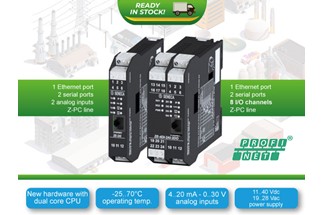
EtherNet/IP and FLEX Technology: SENECA Remote I/O Goes Multiprotocol
Nine modules, two form factors and recon...
12/03/2026
Adaptive Automation, the SENECA paradigm for evolutionary industrial automation
In recent years, industrial automation h...
11/02/2026
A connected machine is not enough: it must be able to speak
In the industrial world, we have been ta...
19/12/2025
Predictive control of consumption with SENECA–STUPIRE partnership
The management of energy consumption is...